
C.L.I.D
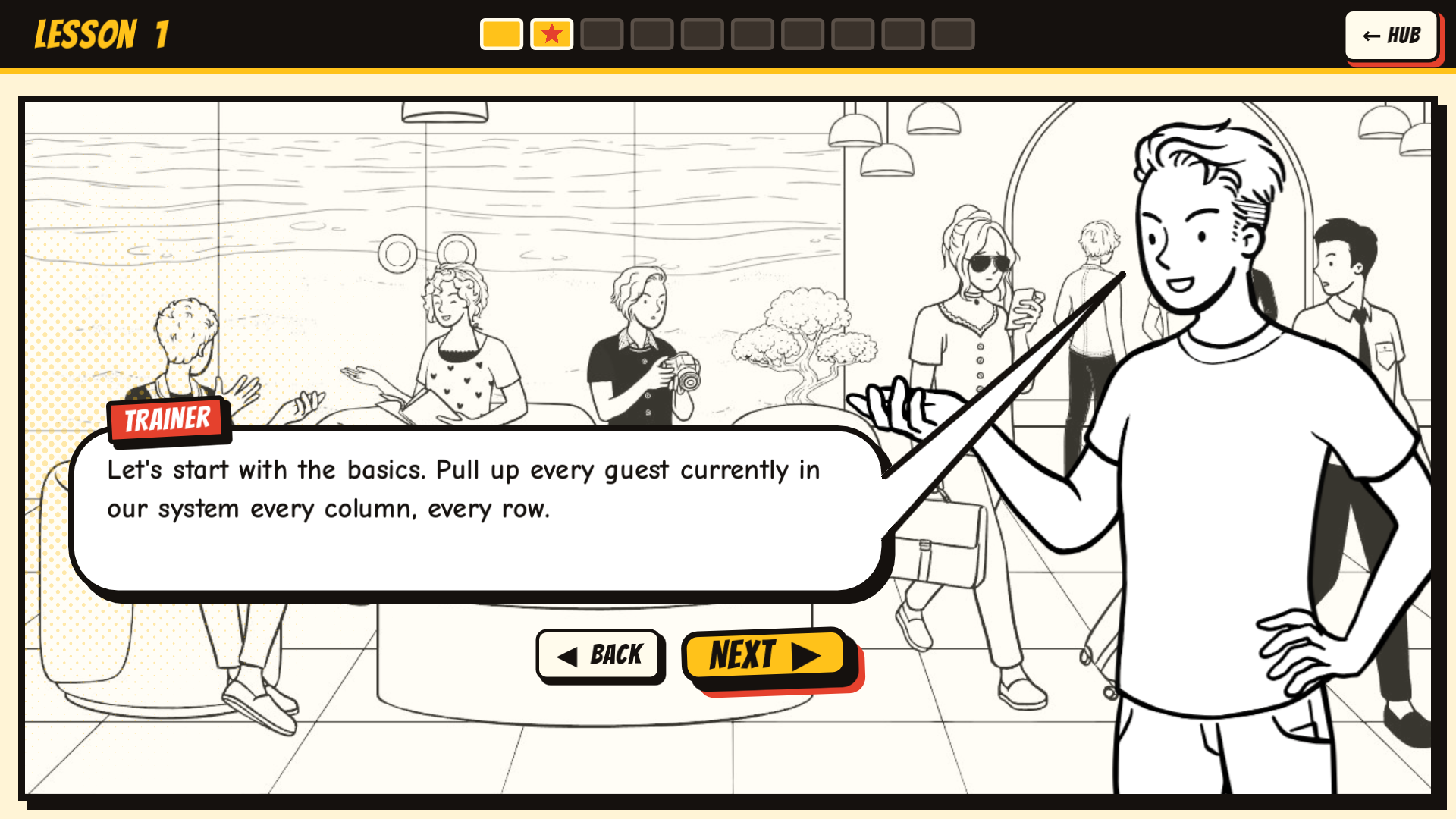
C.L.I.D is a free, comic-book style game that teaches SQL by putting you to work.
Step into four jobs: hotel front desk, café counter, airport check-in and library. The people who walk up to you have real problems, and you solve them by writing real SQL queries.
WHAT'S INSIDE
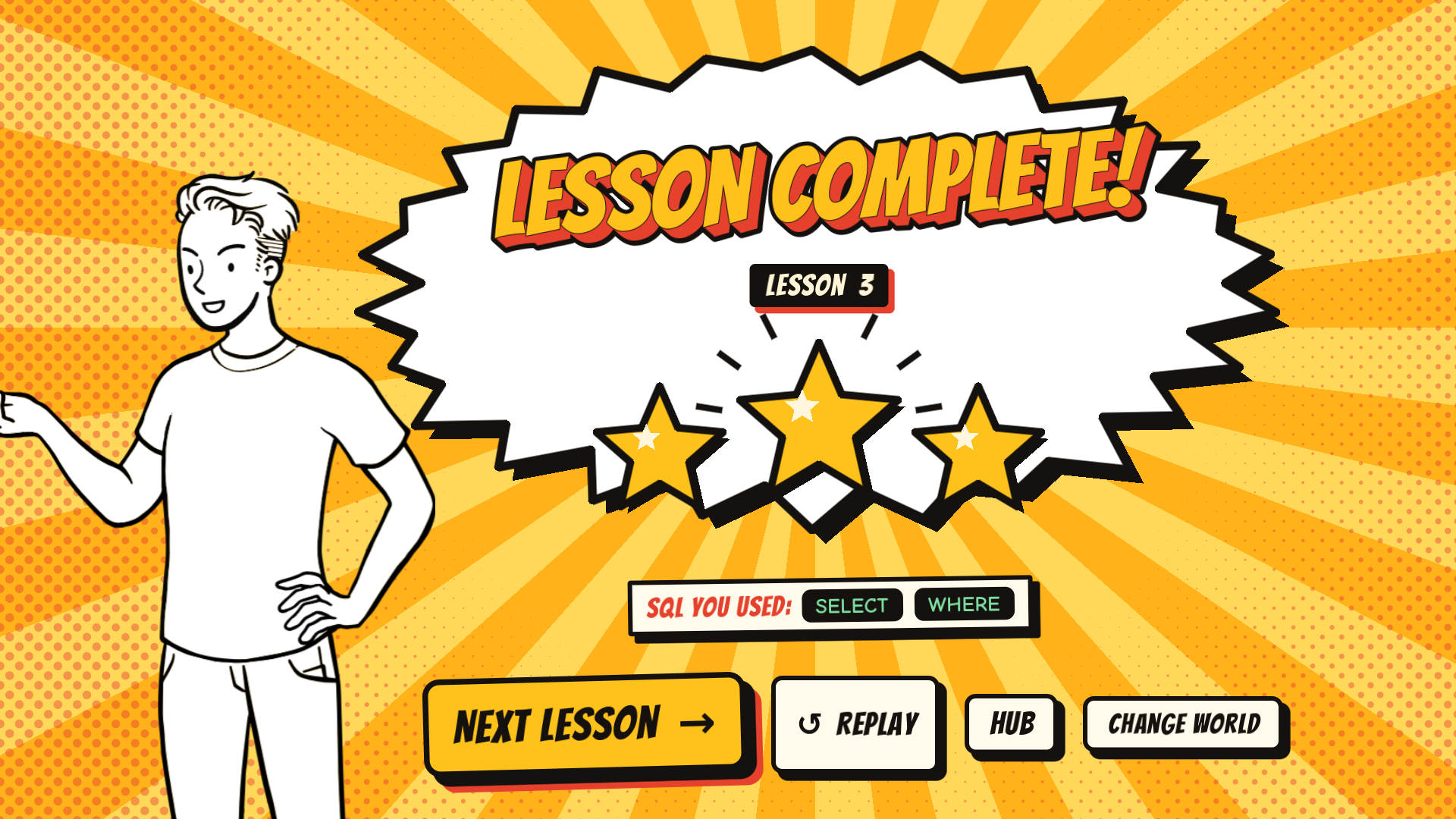
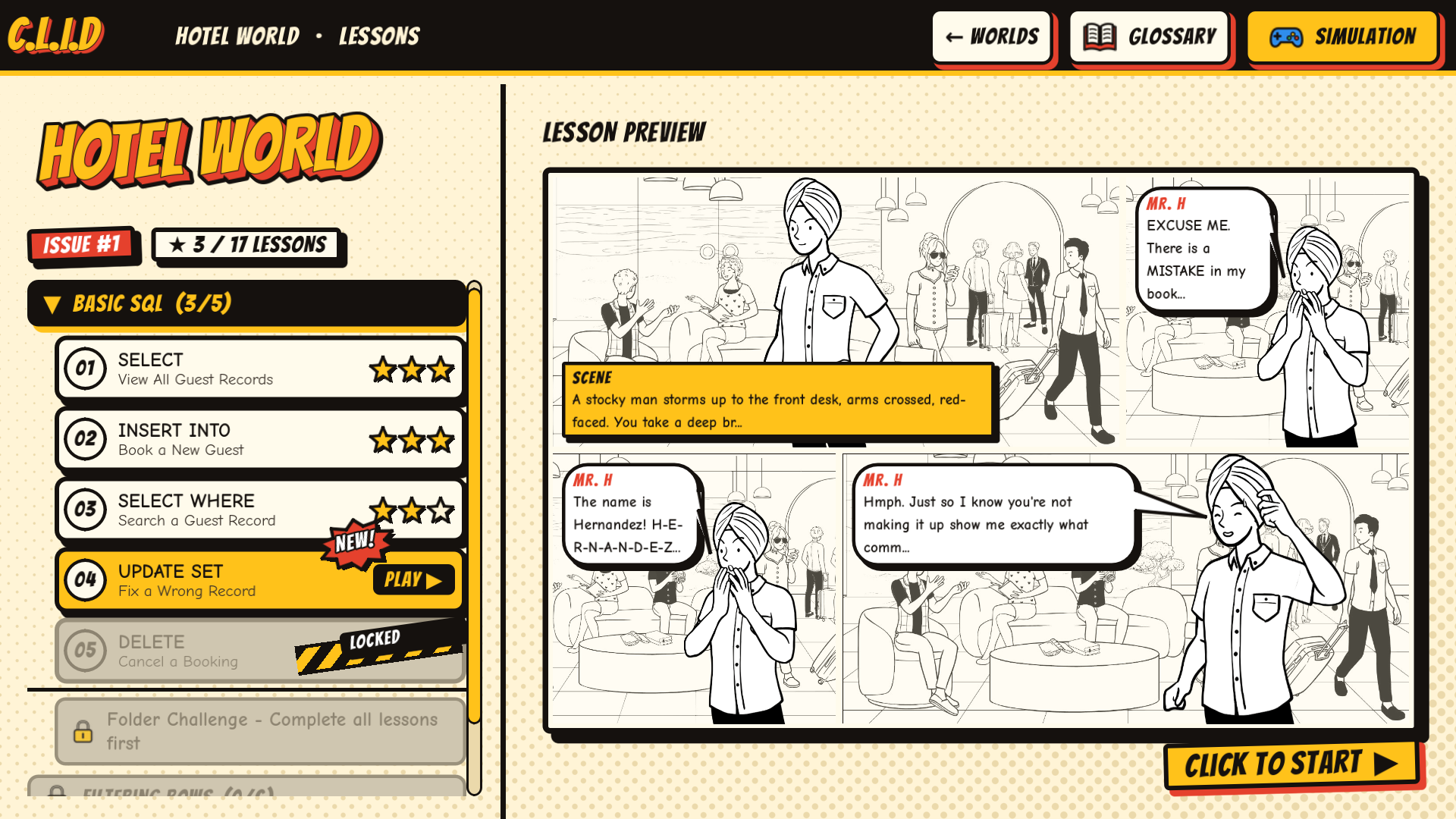
• 68 story lessons across 4 worlds: Hotel, Café, Airport and Library
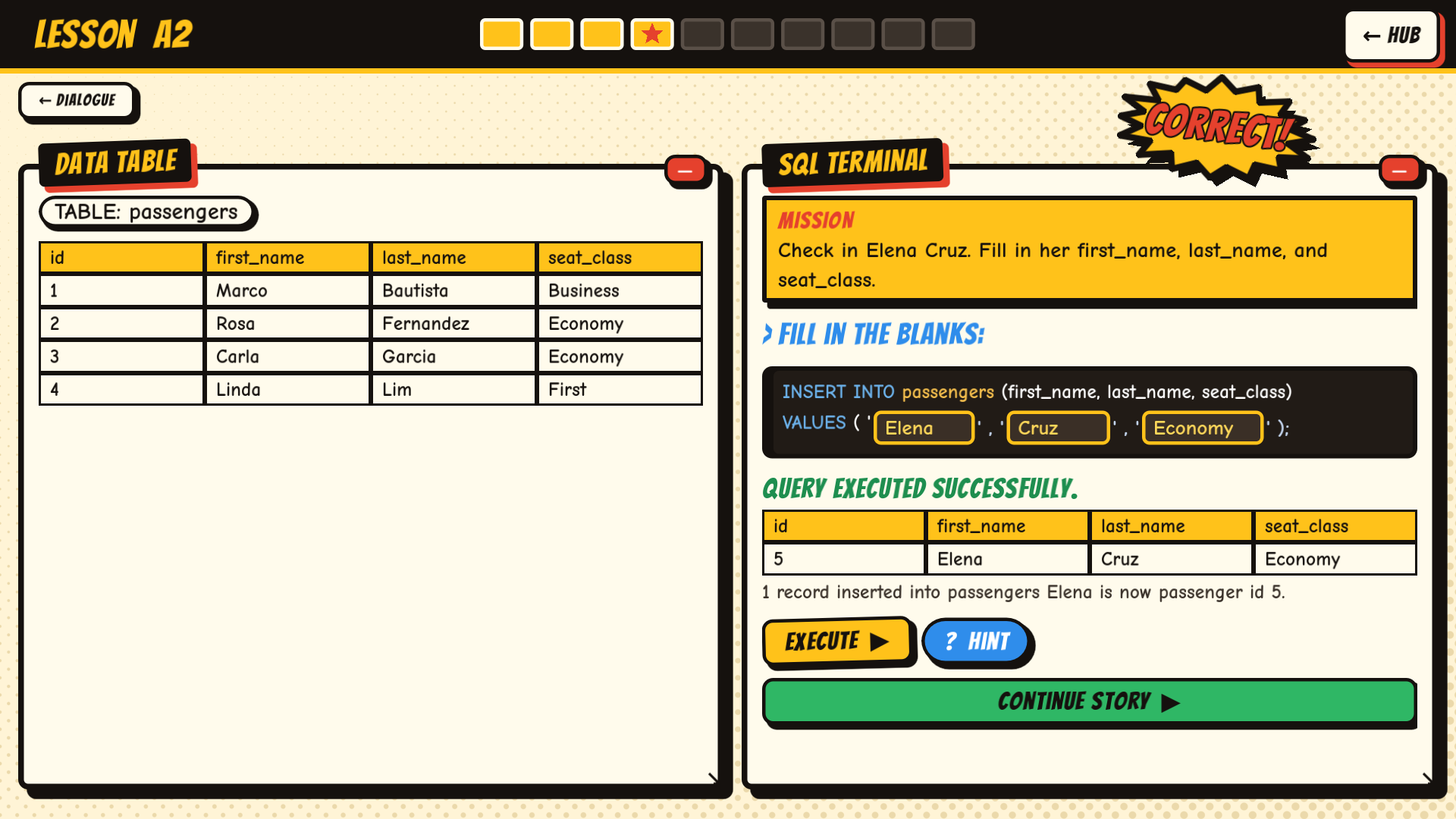
• SQL challenges with a live data table and an SQL terminal
• Folder Challenges ("boss fights") that unlock the next chapter
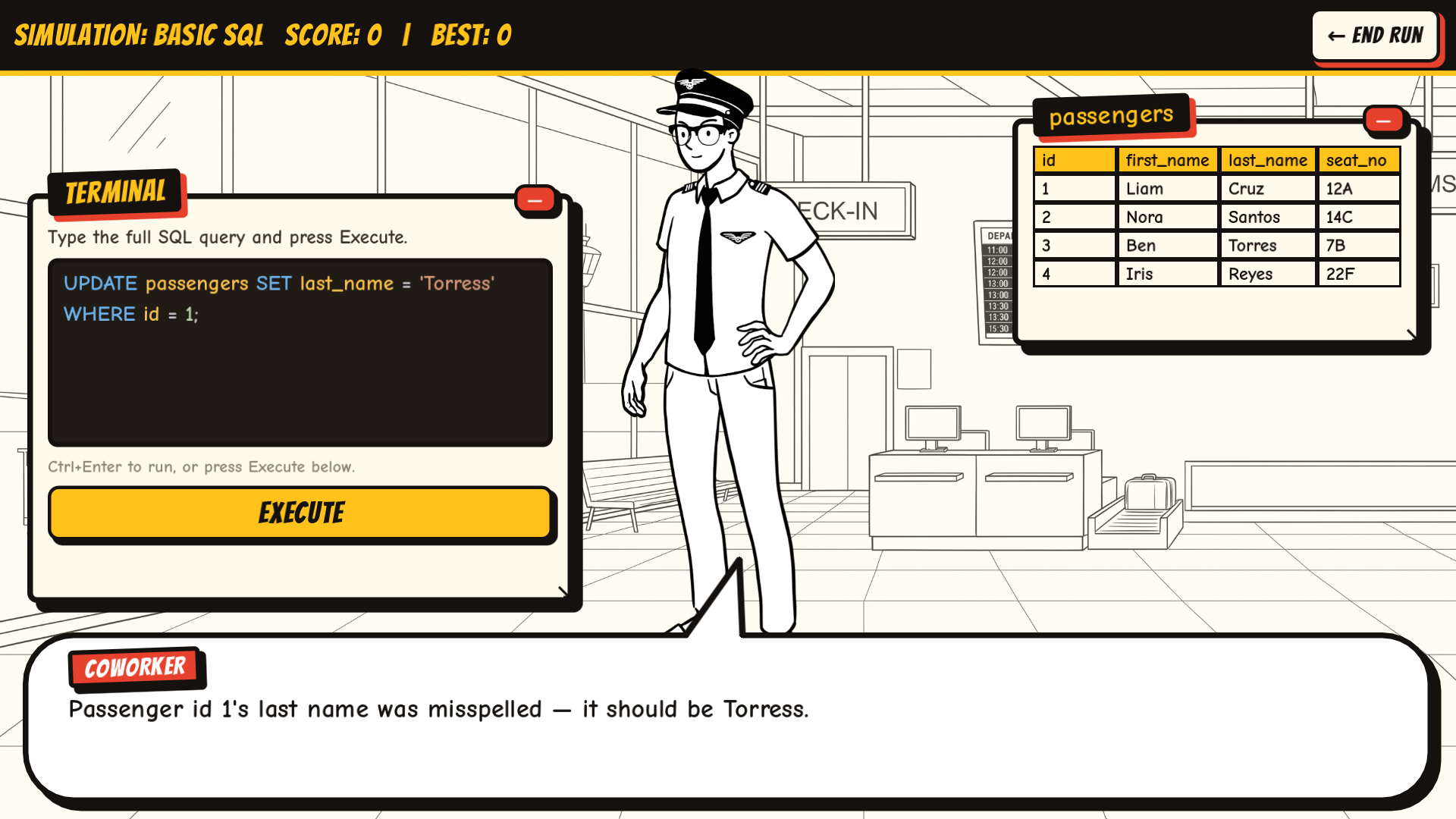
• Simulation Mode: customers keep coming, and you type the full query for each one
• A built-in SQL Glossary
• Text-to-speech for the story dialogue
SQL YOU WILL PRACTICE
SELECT, INSERT INTO, UPDATE, DELETE, WHERE, AND / OR, BETWEEN, IN, LIKE, IS NULL, DISTINCT, aliases (AS), ORDER BY, LIMIT, GROUP BY, HAVING, COUNT, SUM and AVG.
CONTROLS
• Mouse: click everything
• Right / Left arrow: next / back in the story
• Enter: run your query, H: show the hint (in SQL challenges)
• Esc: back to the lesson list
• Simulation Mode: Ctrl+Enter runs your query
YOUR DATA
Your account and progress are saved only in your browser (web version) or on your PC (Windows version). Nothing is sent online. See "Terms & Privacy" inside the game.
WINDOWS VERSION
Unzip CLID-windows.zip and run CLID.exe. Keep the .dll file in the same folder. If Windows shows "Windows protected your PC", click More info, then Run anyway.
ABOUT
C.L.I.D is a student capstone project made to support DCIT 24 (Information Management). It is a practice tool, not a replacement for your class.
CREDITS
Made with the Godot Engine. SQL engine: SQLite via godot-sqlite. Fonts: Bangers and Comic Neue (SIL Open Font License), DejaVu Sans. Sound effects by Kenney (kenney.nl, CC0).
Download
Install instructions
1. Unzip CLID-windows.zip into any folder.
2. Double-click CLID.exe to play. Keep the .dll file in the same folder; the game needs it for SQL.
3. If Windows shows "Windows protected your PC", click More info, then Run anyway. This appears because the game is not code-signed.
Nothing else needs to be installed.
To remove the game, delete the folder. To also delete your accounts and progress, first use Settings > Delete All Data on the Login screen.
Leave a comment
Log in with itch.io to leave a comment.